Find the eligible product code.
Make sure the QR label is intact and the product is part of the current program.
The official Alone Paints app gives eligible painters and dealers one clear place to validate product codes, follow rewards, and keep activity organised.
An eligible product carries a unique QR code. Sign in with the correct role, scan carefully, and keep the product code available if support is needed.
Make sure the QR label is intact and the product is part of the current program.
Use the official app while signed in with your eligible painter or dealer role.
A successful scan displays the cashback or reward points connected to the code.
Return to your dashboard to review scan, reward, redemption, and settlement history.
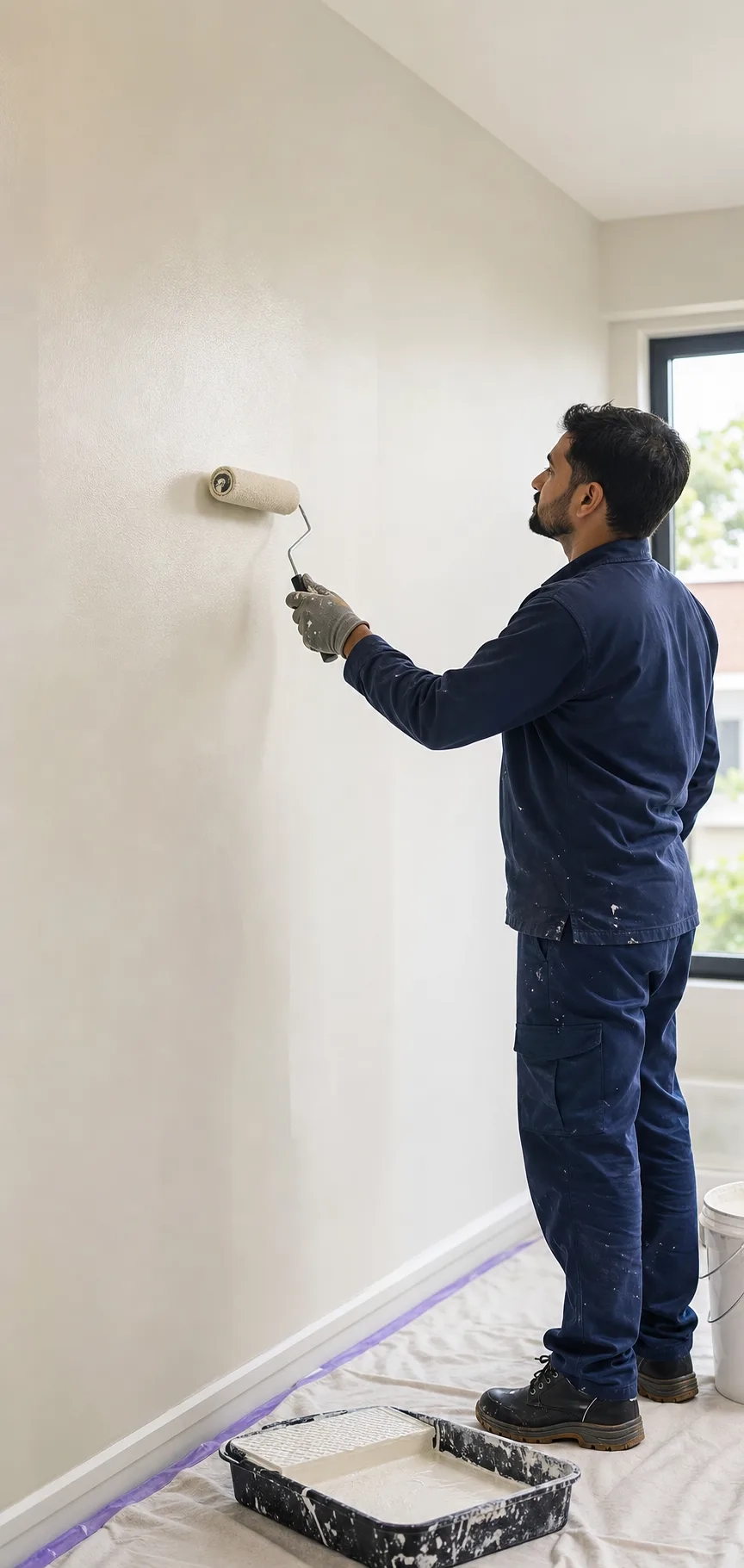
Scan eligible products, follow points and cashback, and keep your reward activity together without separate paper records.
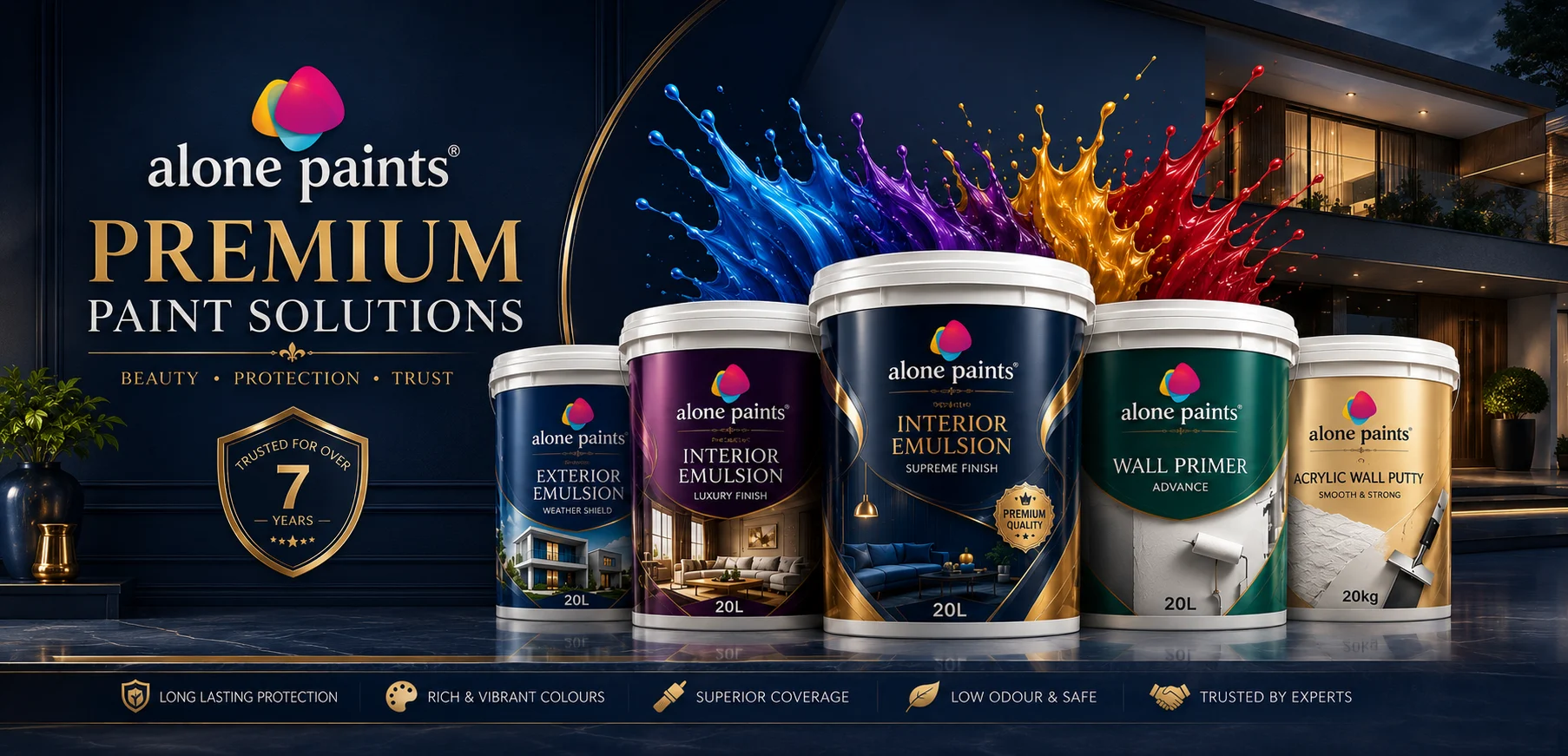
Keep eligible activity visible, assist connected painters, and follow offers and settlement records from the same official app.
Download the Alone Paints Android app for painter and dealer registration, QR scanning, cashback and points tracking, reward history, offers, and settlements.
Keep your account secure and the original product code available whenever you contact support.
Approved dealers and eligible painters with an active Alone Paints account can take part, subject to the current program rules.
No. Every valid product code is unique. Once successfully claimed by the eligible role, it cannot be claimed again.
The eligible reward normally appears after validation. Redemption and settlement timing can vary according to program rules.
Clean the label, check your connection and try in good light. If it still fails, keep the product and code available when contacting support.
Tell us which account you used and what appeared on screen. Keep the product QR code with you, but never share your password or OTP.